Wednesday, April 13, 2011

Beta Programs April

FEM-Design 10.0 and IMPACT 11.0 are available for beta testers.

Current Beta Programs are:

  • FEM-Design 10.0 (improved Timber Design )
  • IMPACT 11.0 (improved Columns & Beams, improved Shop Drawing Layout, 3D modeling with Revit or AutoCAD)
  • WIN-Statik Concrete Prestressed 6.2 (with Topping)
Please apply by sending an email to info@strusoft.com with your name and company. Don't forget to write which Beta Program you are interested in. Only valid for users with maintenance agreement.

Thursday, March 24, 2011

Keeping Element Id


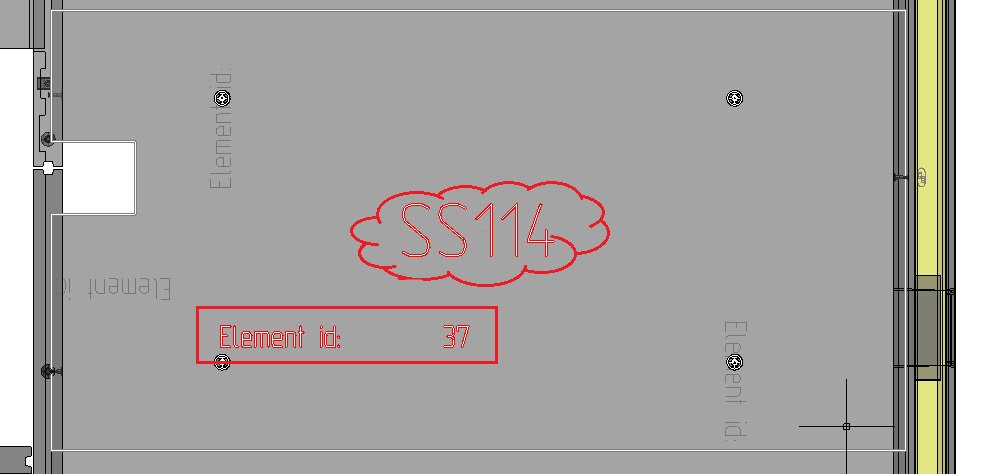
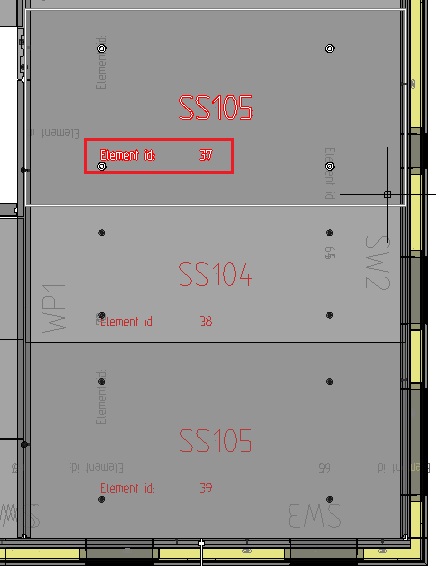
Every element in the IMPACT 3D Model has a unique identifier (Element id). When you are exporting and importing to other sites or fabrication systems it's very imortant to preserve the ids.

If you delete an element in the model and insert a new, the new element will automatically get a new id and the link to the fabrication is lost. Please use the commands Edit, Replace and Save As when it's appropriate.

First I will show how to locate the Element ids.

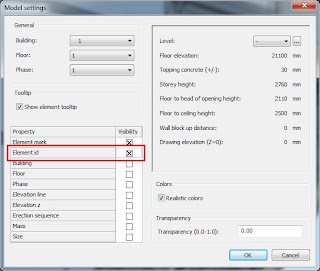
In 'Settings Plan' you can turn on the id in the model tags.
Then it will look like this.
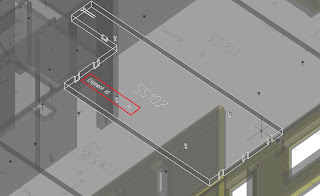
It is possible to modify the layout of the tags (element mark blocks) in your company standard.

In Project Manager (PM) you will find the element id in the Expand or Planning view in the model.
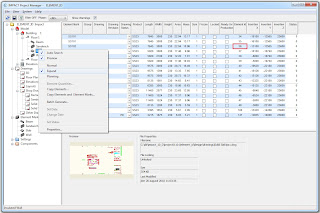

Edit element
Edit element will never change id.

Before Edit
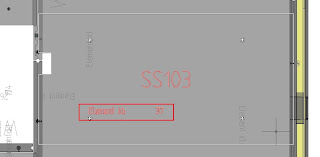


After Edit.
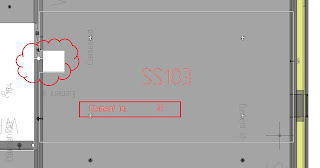


Save As
Save as with a new name will never change id.

Before Save As
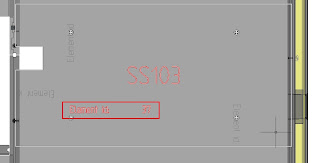

After Save As
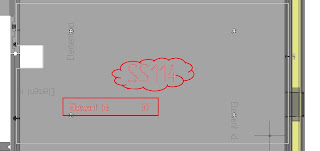

You should not erase and draw a new one.

Replace
Replaces with a new element mark will never change id.

Before Replace
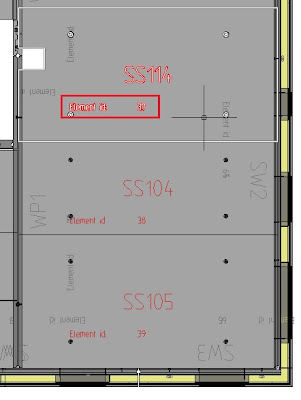
After Replace
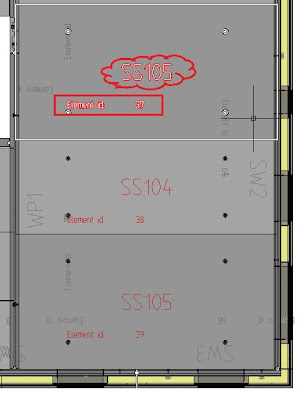

You should not erase and insert a new mark.

Rename
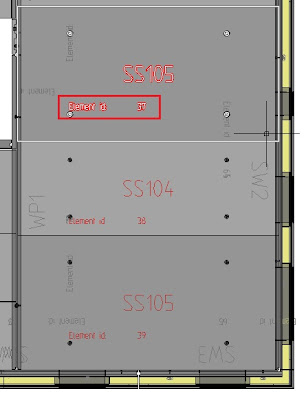
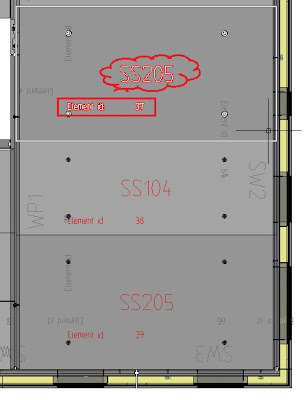
Renaming element marks will never change id.

In PM yo can rename an element mark with or without shop drawing.
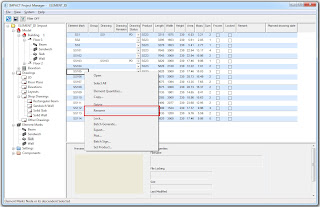


Before Rename and Update Plan

After Rename and Update Plan
Wednesday, March 23, 2011

New Updates

New updates are available on the download page.
  • FEM-Design 9.0.016
  • FEM-Design Revit Add-In 1.2.005
  • IMPACT Precast 10.1.008
  • IMPACT Project Manager 10.1.008
  • VIP-Energy 1.1.5
  • WIN-Statik Concrete Column 6.2.001
  • WIN-Statik Concrete Corbel 6.2.001
  • WIN-Statik Frame Analysis 6.2.003

Wednesday, February 16, 2011

Steel Sections


Do you need steel sections in your IMPACT project?
  1. Download files below.
  2. In Project Manager: Right Click on Components
  3. Select Import
  4. Select BeamSteelSections.zip
  5. Do Import once again for ColumnSteelSections.zip
Don't forget to add Steel in the Materials table.


BeamSteelSections.zip
(CHS, FSQ, HEA, HEB, HSQ, IPE, LE, LU, U, UPE, VKR)

ColumnSteelSections.zip
(CHS, VKR)

Wednesday, December 22, 2010